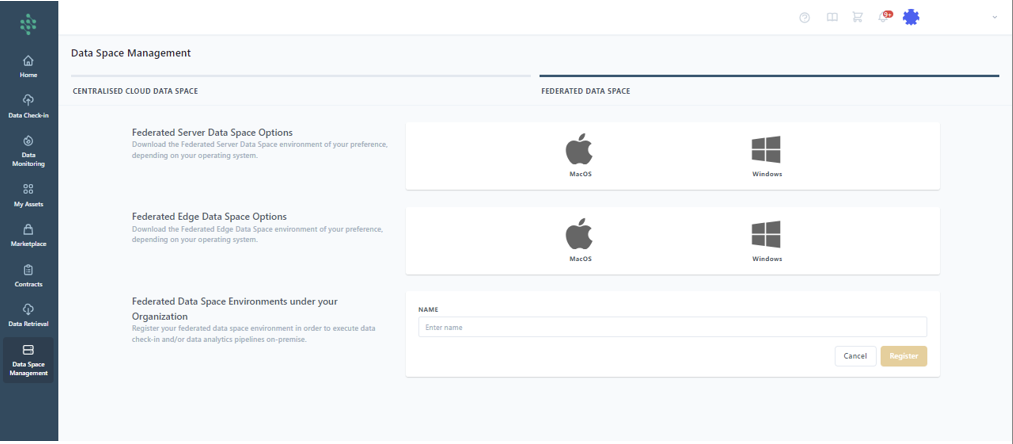
Register a new On-Premise Execution Environment
Under the Data Space Management Tab and when selecting the Federated Data Space option you can begin the download process by choosing the operating system of your device, ensuring you obtain the correct version of the Server and Edge On-Premise Environments. These are available for Windows and MacOS in both tray and headless formats.
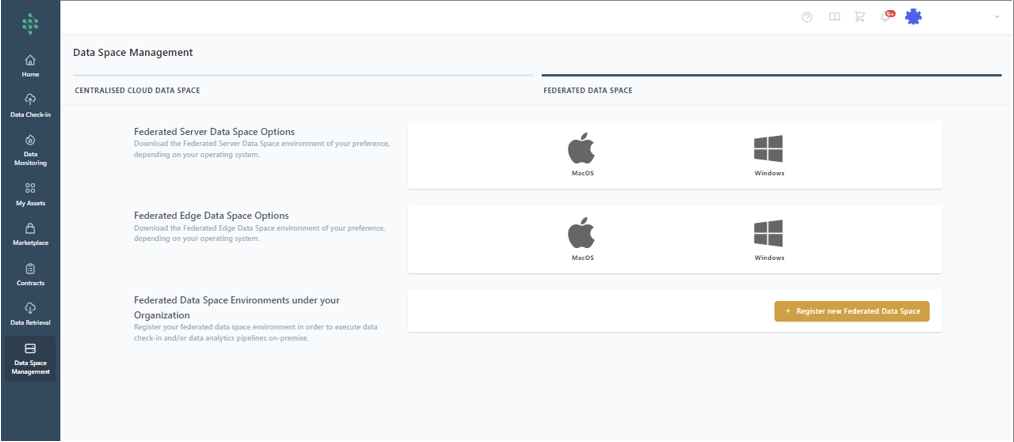
Before using the On-Premise Execution Environment, you must register it by clicking the “Register a new Federated Data Space” button. This action prompts you to name your federated data space environment. Upon doing so, a URL and code will be provided for the newly registered On-Premise Execution Environment, facilitating the setup of the Tray On-Premise Execution Environment on your device.