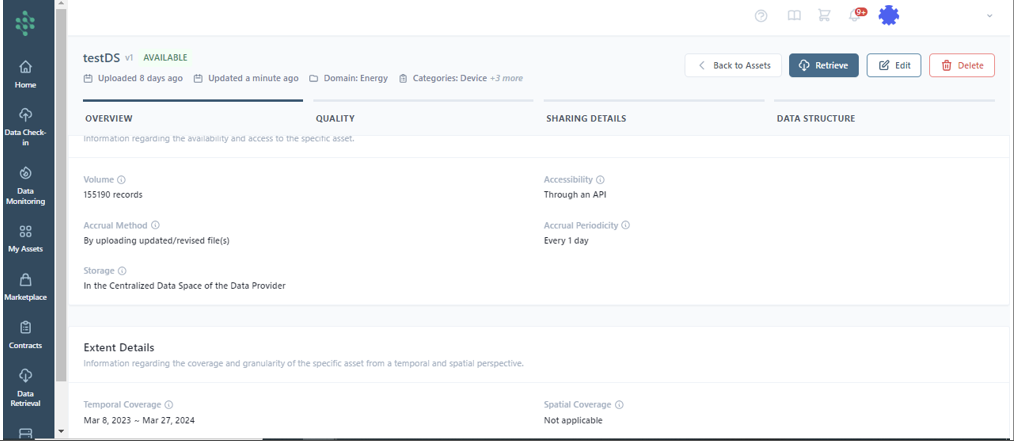
View an Asset Profile
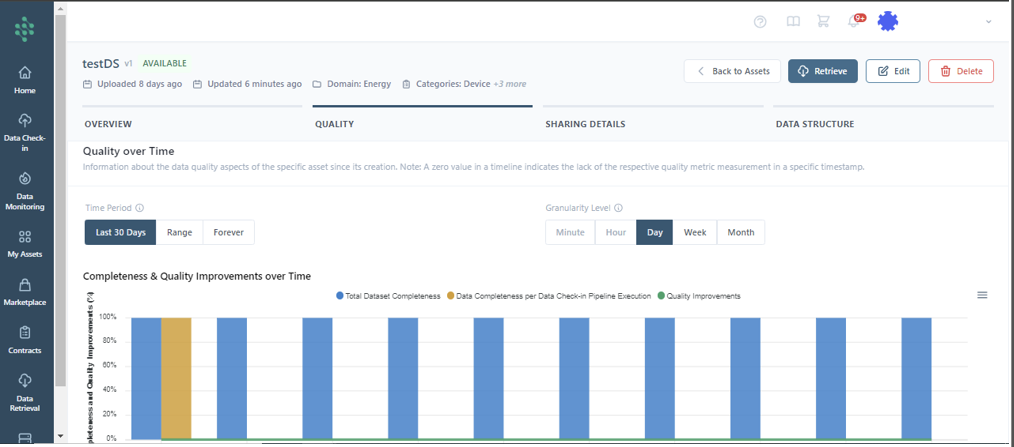
To modify the asset metadata, you can also select an asset from the list to view its overview information, quality, license details, and data structure. Then, use the Edit Button located at the top right part of the page, as illustrated in the figure.
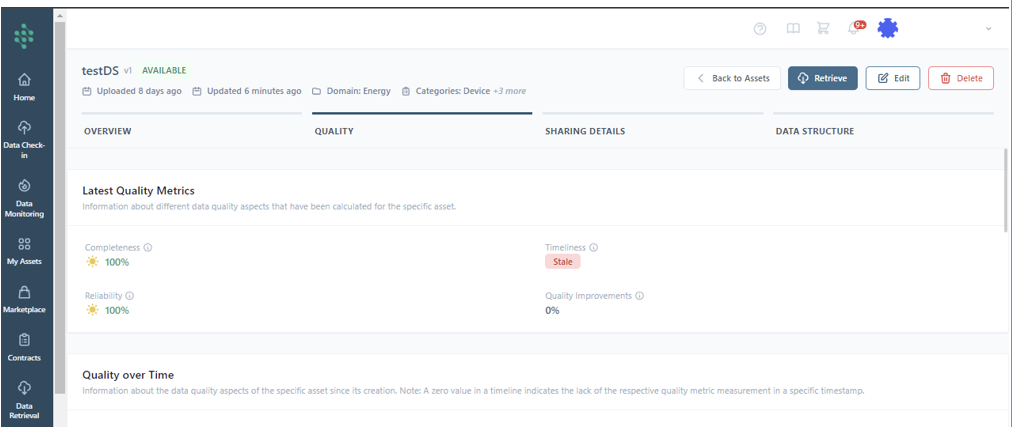
The "Quality" tab provides an overview of the recent evaluations concerning various data quality dimensions for a particular asset. It offers insights into the asset's completeness, timeliness, reliability and potential quality improvements performed.
The "Quality over Time" section tracks the historical performance of the asset's data quality from its inception. This timeline analysis helps identify any fluctuations or trends into the asset's completeness, timeliness, reliability and potential quality improvements over time.