Access Notifications
Notifications on the SYNERGIES Platform can be viewed by clicking the notification icon located at the top right corner of the page, as shown in the figure. A pop-up window will appear, presenting the most recent notifications.
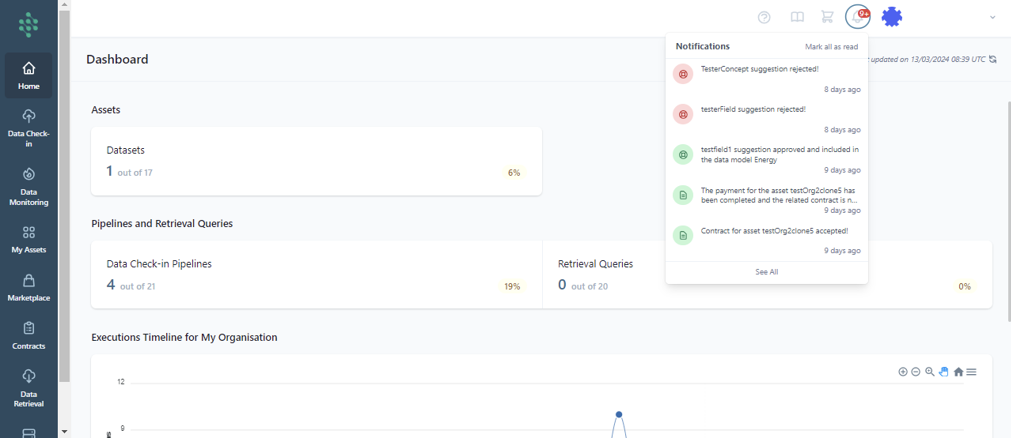
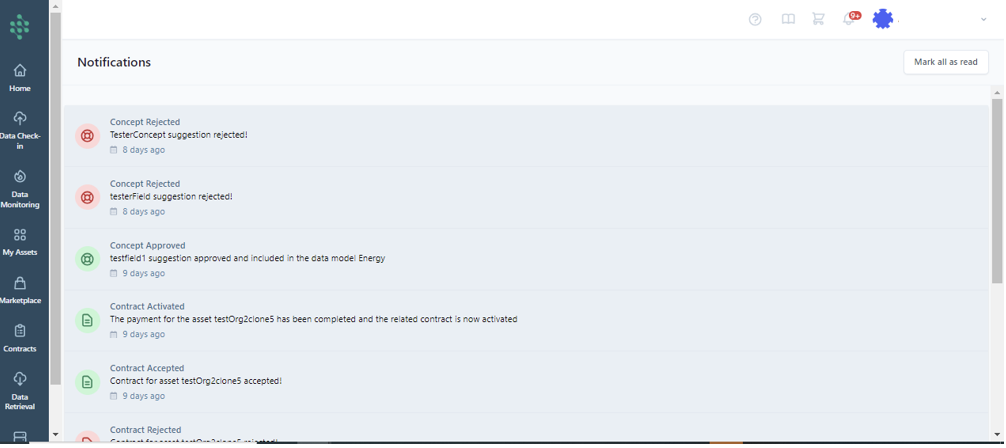
For a more comprehensive overview, clicking the "See All" button directs you to a page dedicated to all platform notifications.
Hint
Notifications from the SYNERGIES platform can also be received via email by configuring your notification preferences in the "Configure the Notifications settings" section.
Hint
By selecting the "Mark all as read" option in the top right of the page, you can clear the notification count icon, ensuring you are fully updated.