Manage the User Profile
Edit the User Profile
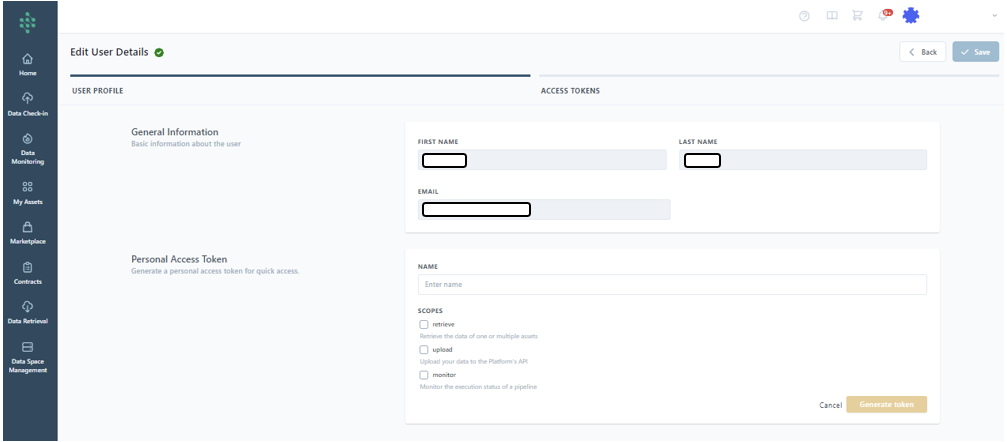
As a user, you can edit your individual profile by heading to the Personal Profile page, accessible by clicking your name at the top right corner of the SYNERGIES Platform. As shown in the figure, you have the option to update basic details such as your first and last name, and change your current password to a new one through the provided text boxes.
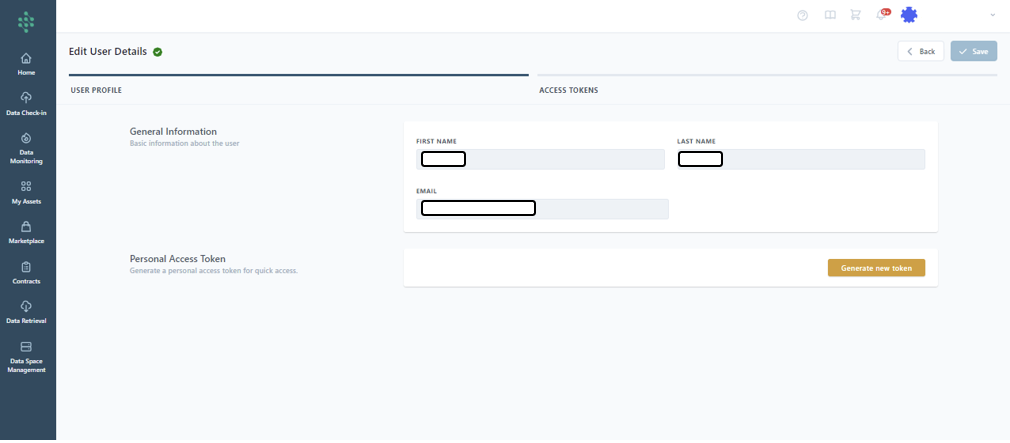
Clicking on the Personal Access Token allows you to review and generate new tokens for retrieving, monitoring or uploading data to the SYNERGIES Platform via its APIs. When generating a new token, you'll be prompted to name it and specify its intended scope — whether for data retrieval, upload, monitor or all.