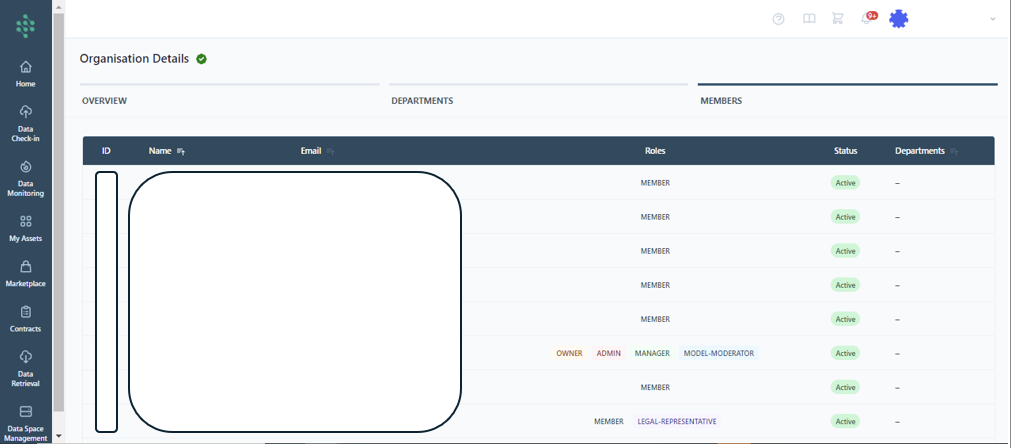
Organization Management - For Managers Only
The organization's manager (who also acts as the legal representative, authorized to sign asset contracts on the SYNERGIES Platform) can update the organization's profile. This is done by navigating to the Organisation Details page, accessible by clicking the user's name at the top right corner of the SYNERGIES Platform, as indicated in the figure. Here, the manager can update the business name, add a description outlining the organization's activities, provide the business website and select the organization type. Additionally, the manager has the ability to assign specific roles to specific organisation members of a department.
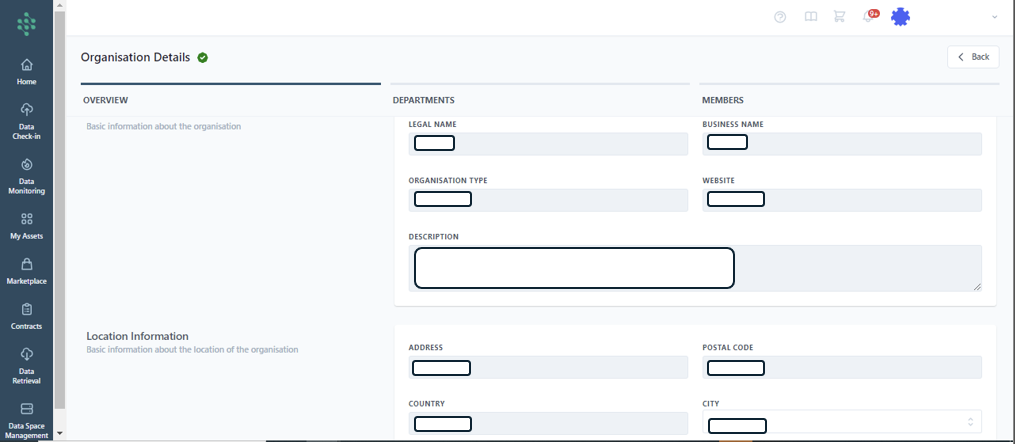
New users can be invited to join the organization’s Energy Data Space in SYNERGIES through the Members tab. The manager can view the list of users, their role within the organization, and their status (Active, Invited, Blocked). They have the capability to activate (if Blocked) or deactivate (if Invited or Active) users by clicking the appropriate buttons, as illustrated in the figure, as well as to invite new members.