Manage your Data Check-in Pipelines
Edit a Data Check-in Pipeline
Existing data check-in pipelines can be edited via the Data Check-in page view by selecting Edit. While name and description updates are permitted, pre-processing rules and execution location are not editable.
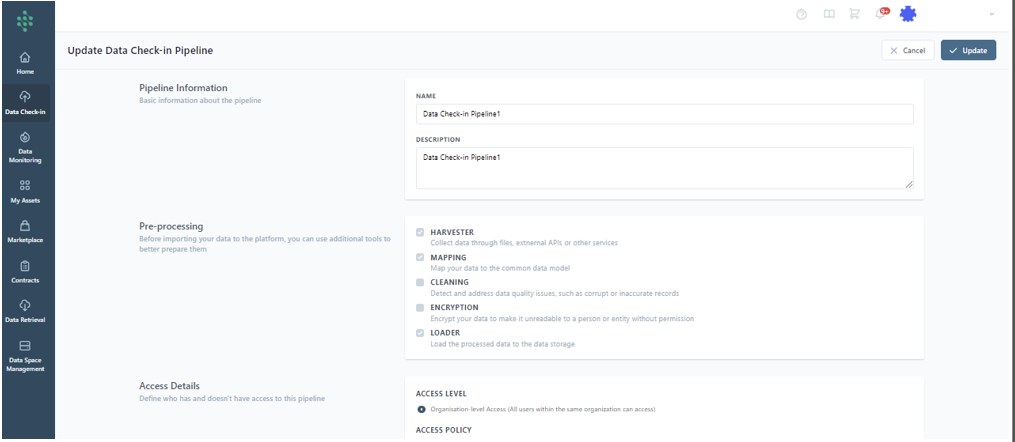
Hint
Certain pre-processing configurations, such as Schedules and Retrieval Settings, within the Harvesting phase of a Data Check-in Pipeline can be modified by choosing the relevant step in the View all Data Check-in Pipelines section.
View the Execution Logs
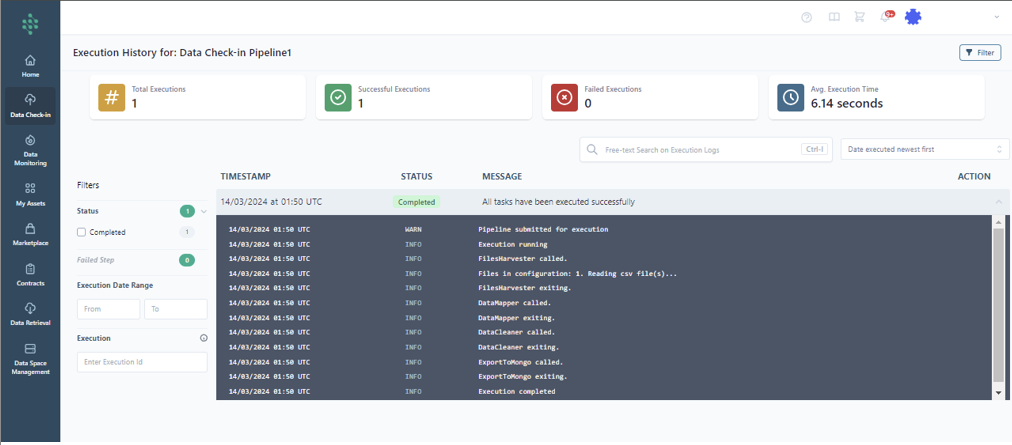
The overall execution history, including the number of successful and failed runs and average execution time, is accessible through the Execution Log in the Data Check-in Pipelines view.
Append Data to a Batch File Check-in Pipeline
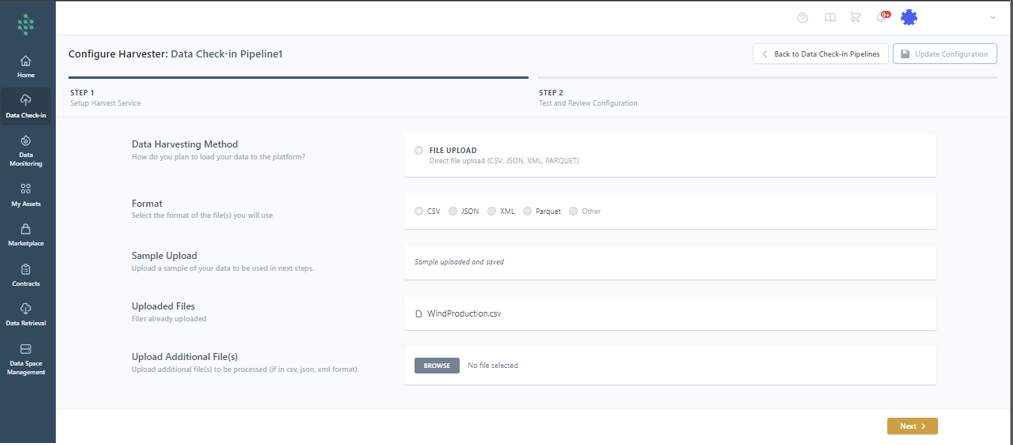
For file uploads, the “Append data” option allows for the addition of files, integrating new data with previously stored data.
Delete a Data Check-in Pipeline
Pipelines can be permanently removed via the Delete option, erasing the configuration.
Hint
This action does not affect data already stored on your SYNERGIES Energy Data Space if the corresponding dataset has not been deleted.